A clear starting point.
Return to a dedicated Drawings dashboard for Recent and Saved files. Open DWG, text or binary DXF, and PDF from Files or another app directly in LinePocket.
iPhone + iPad · Local saved copiesKeep your plans close, from desk to site. Open drawings, check dimensions and share a detail. Our next update brings a dedicated Drawings dashboard and tools that adapt to iPhone and iPad.
Available now: version 1.2 · iOS / iPadOS 17 or later
New workspace shown below: preview of the upcoming 1.2.1 update.
Properties, Measurements and Layers share one inspector. It docks beside the canvas on wide windows and opens below it on smaller screens.
These are real development-build captures from 24 October. The new workspace and features are being prepared for release; the App Store download currently provides version 1.2.
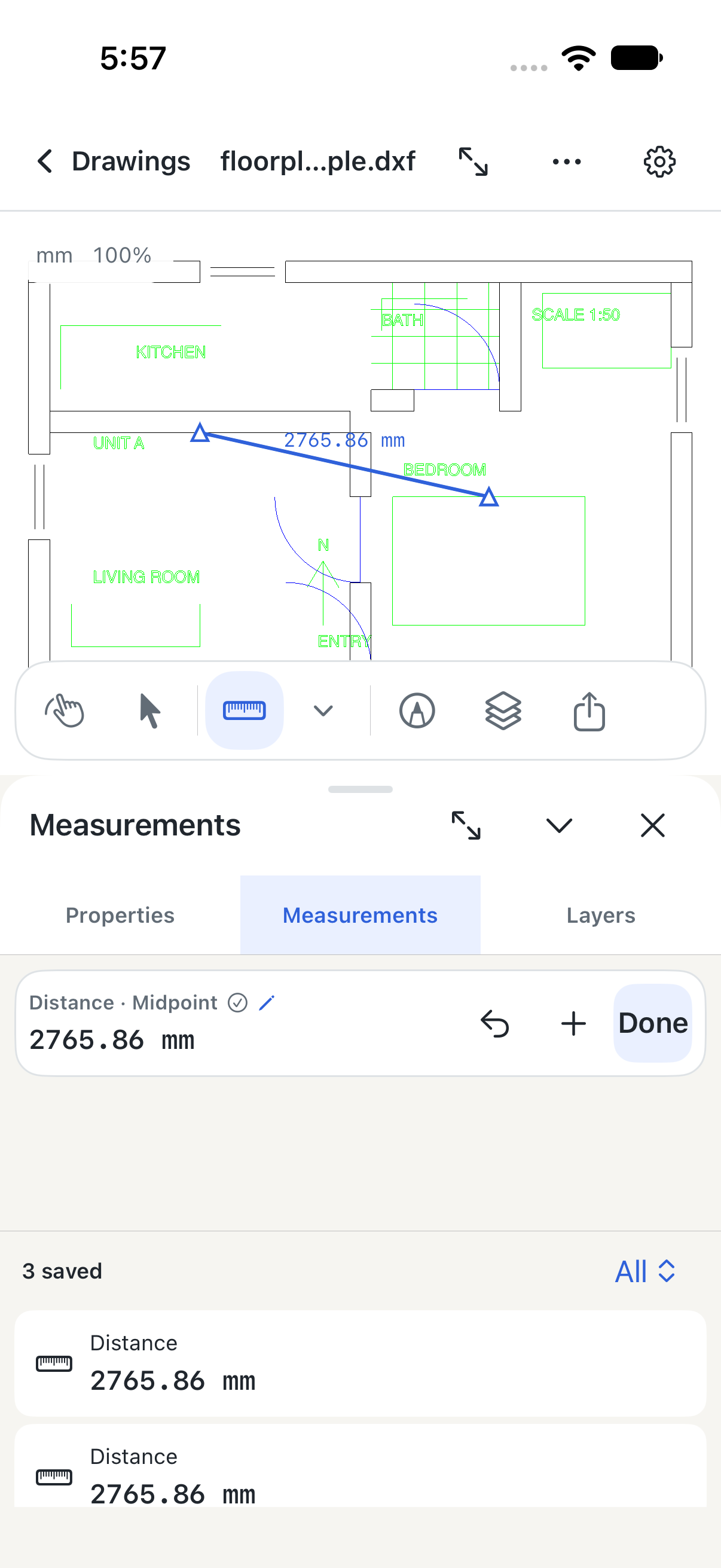
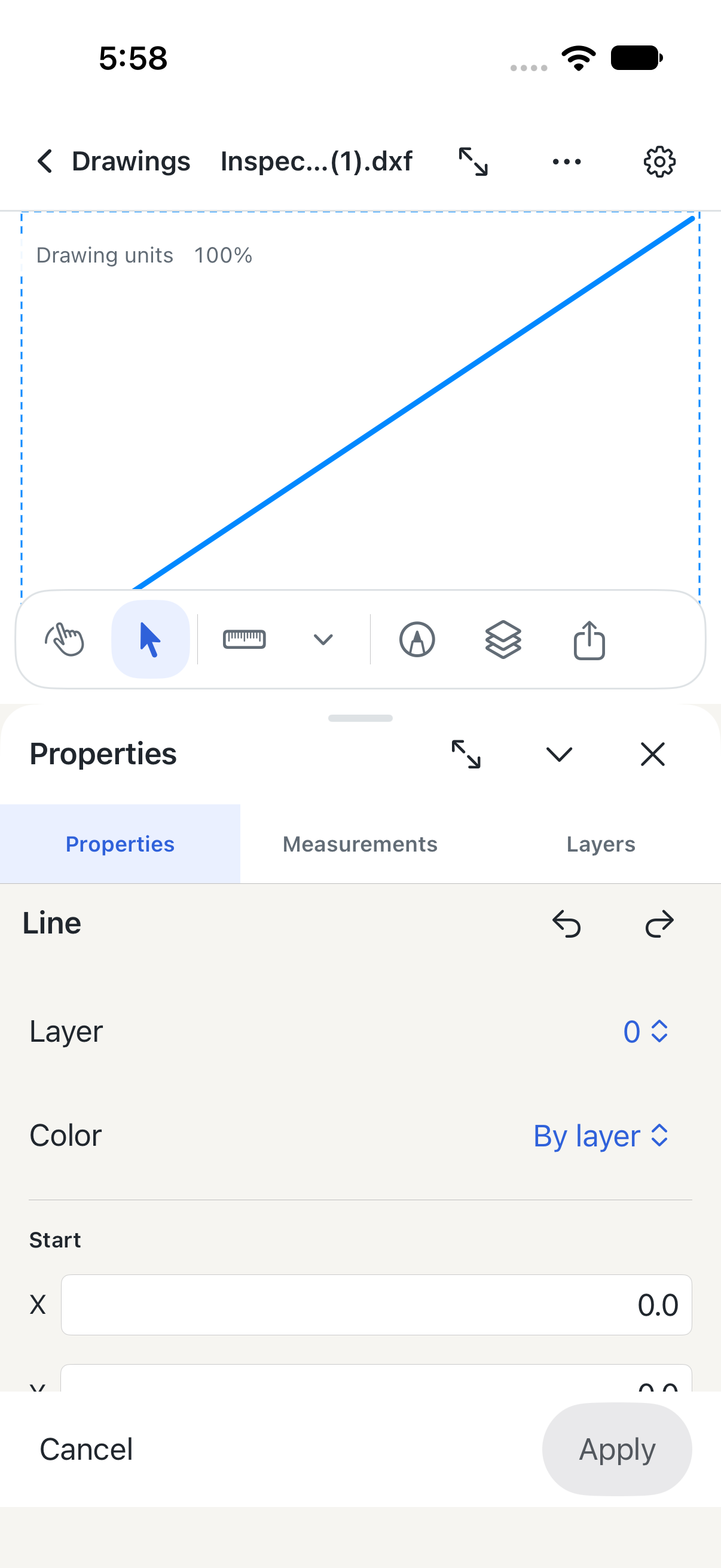
On iPad, the inspector sits to the right when there is room. Keep saved results visible while you measure or edit, or switch to Full Screen.
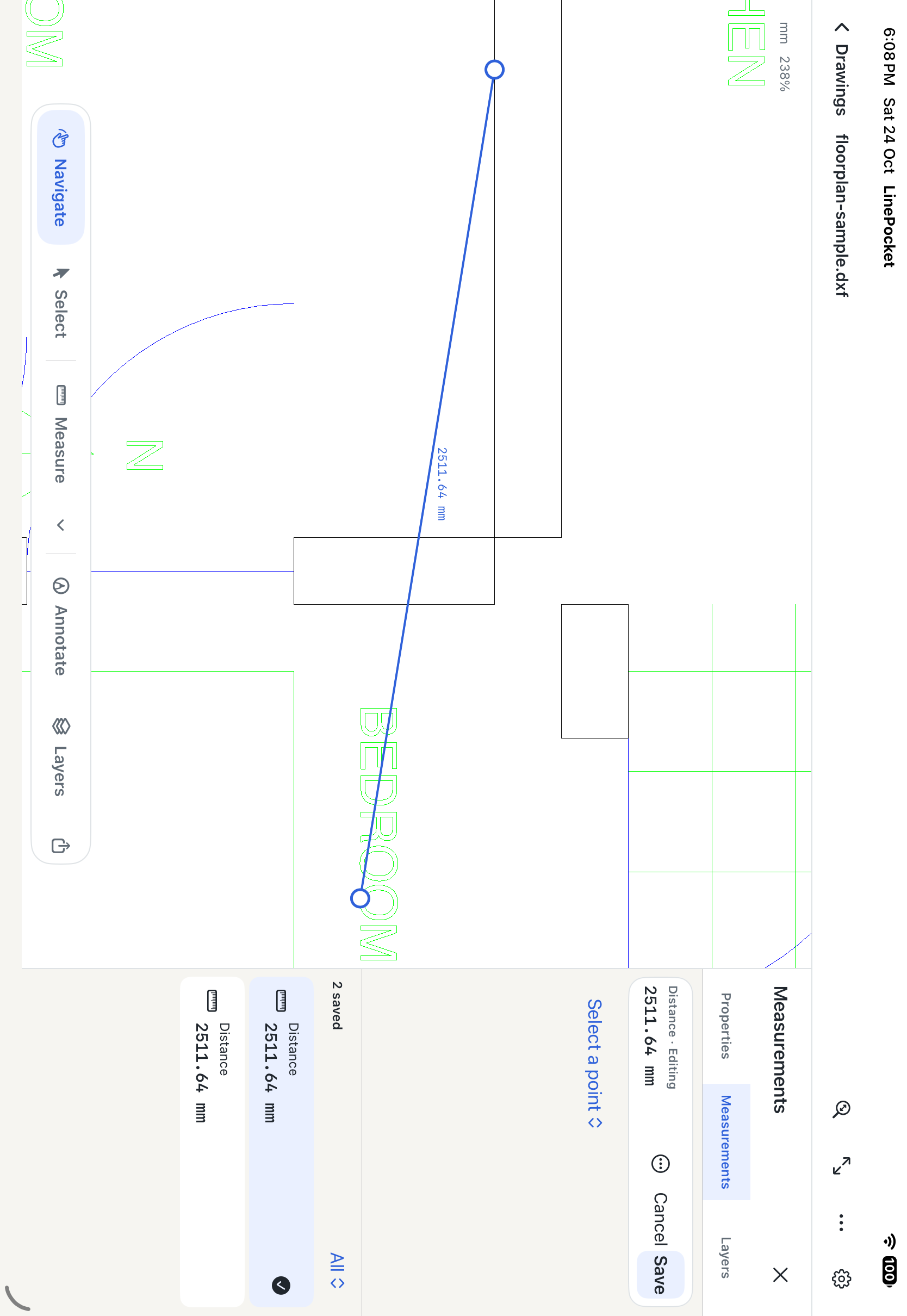
Unmodified simulator captures using authored sample drawings. Select a capture to enlarge it and open the full original. Supported 2D content varies by file; read the compatibility notes.
A connected workflow for drawings, measurements and marked-up details, with the original file kept safe.
Return to a dedicated Drawings dashboard for Recent and Saved files. Open DWG, text or binary DXF, and PDF from Files or another app directly in LinePocket.
iPhone + iPad · Local saved copiesEdit layer, color and geometry for supported lines, circles, arcs, 2D polylines and text. Unsupported objects and block contents remain read only.
Working copy · Apply / Cancel · Undo / RedoSave distance, path and area measurements automatically. Reopen a result, drag snapped points, add or remove vertices, or enter coordinates in the inspector.
Saved results · Editable pointsAdd revision clouds and multiline text notes. Move, resize or edit them and include visible annotations in PDF and image exports, or editable annotations in With Changes DWG.
Clouds + Text · Changes saved locallyCalibrate a PDF page with two points and a known dimension, then measure distances. Page scales return when you reopen the file; search and page navigation keep sheets in reach.
Per-page calibration · Saved scalesExport the full drawing or a selected region as DWG, PDF, PNG or JPEG. Original DWG keeps the imported bytes; With Changes includes supported edits. Selected Objects keeps intersecting CAD objects whole.
Original / With Changes · Preview + ShareTry every feature included in your installed version. Keep using LinePocket after the trial with one lifetime purchase.
Sign in with Apple to start your free seven-day trial.
Purchase through Apple for permanent access to the included tools.
Sign in with Apple is required for trial and lifetime access. After seven days, lifetime access is required to continue using app features. Settings, support, Restore Purchases and original-file recovery stay available; your drawings are not deleted when access expires. Apple displays localized prices before purchase. The App Store download is version 1.2. Features previewed above are planned for the next update.
No. The trial ends without charging. Choose the separate lifetime purchase through Apple to keep using the app’s tools.
Saved drawings and on-device tools work offline while your trial or lifetime access is active. Sign in, purchase or restore, and verify your files and access before leaving. Your trial must remain active throughout the visit.
LinePocket focuses on supported 2D model-space content. Some versions, custom objects, external references and font-dependent details may be omitted. Check import warnings and compare critical drawings with the authoring application. See compatibility guidance.
Optional private iCloud file sync is being tested for the upcoming update. It is separate from Sign in with Apple and is not available in the current App Store version. Availability will be confirmed with the release.
DWG decoding, DXF loading, PDF viewing and CAD exports happen on your device. A cloud file provider may download a file you select under its own terms. Read the privacy policy.
LinePocket 1.2 is available on the App Store. The 1.2.1 workspace shown here is a development preview; its dashboard, inspector, object editing, annotations and revised export tools are not yet in the public download.
The latest development build is running on iPhone and iPad. Public availability will follow release validation. This site does not collect a waitlist or accept payments.
Get the current app ↗